Start from a template
New agent, start from an app: Chrome, Word, Excel, PowerPoint or Outlook. Pick the model and publish.
Agents
Assistants in Chrome and in Word, Excel, PowerPoint and Outlook. They answer with your organization's models through your Fadenstack server, follow the rules IT sets there, and ask before they change anything. They are free to use with every Fadenstack server.
Chrome
A side panel in Chrome that works with the page you have open. Open it from the toolbar or with Alt+Shift+F.
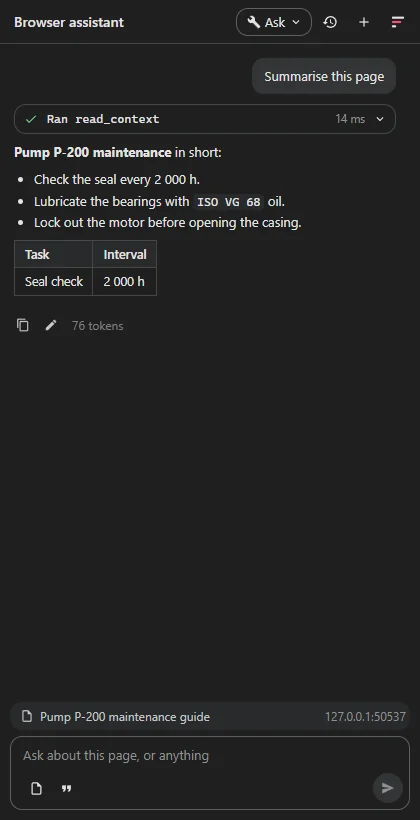
Chrome 116 or later, and the address of your Fadenstack server. People sign in with their Fadenstack account.
The Chrome Web Store listing comes with the first release. IT can also install the agent for everyone by policy and preset the server address.
Word · Excel · PowerPoint · Outlook
A task pane in each app that reads your selection and the document, and works with the app's own tools. One sign-in covers all four.
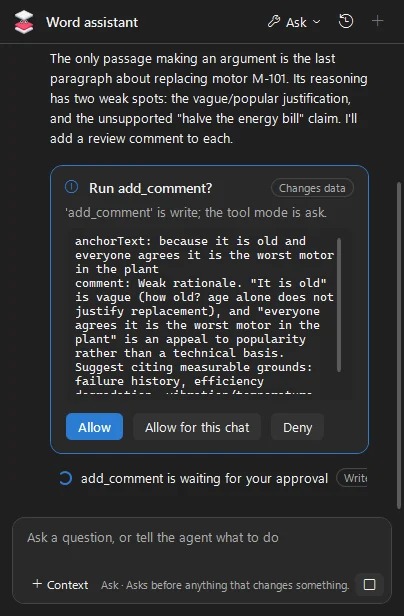
Edits arrive as tracked changes and remarks as comments, so you accept or reject each one.
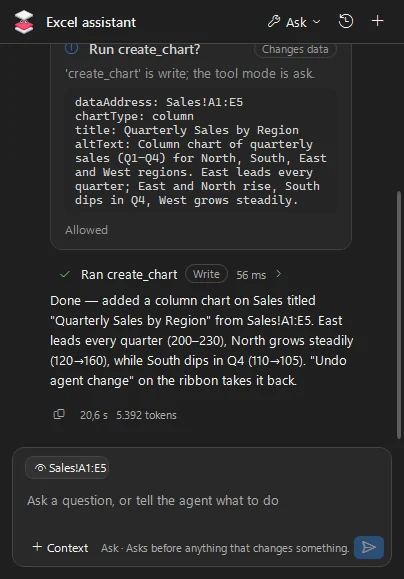
Reads and fills in cells and tables, and builds charts from your data.
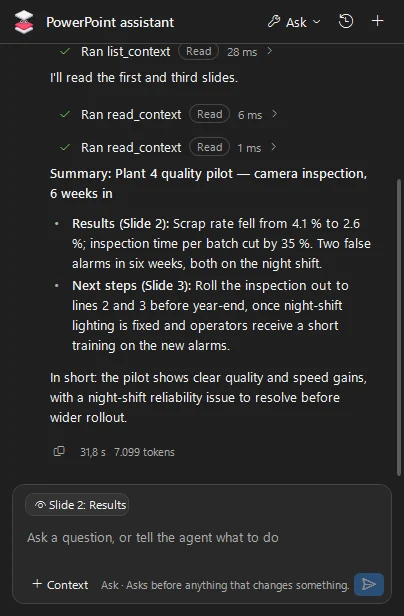
Summarises a deck, writes slides and drafts the speaker notes.
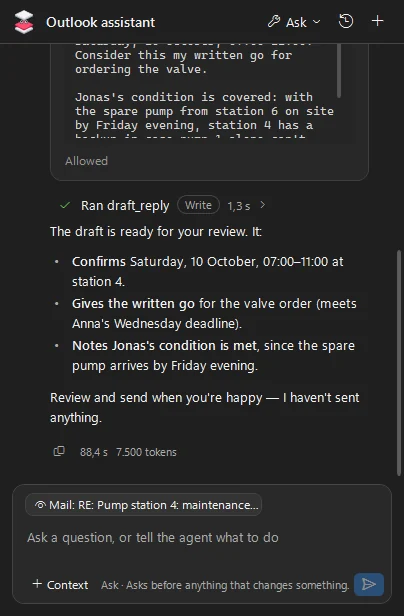
Reads the thread, drafts replies, creates appointments, and never sends anything itself.
Allow once, allow for this chat, or deny. IT decides which tools may run at all.
Word and PowerPoint use their own Undo; Excel and Outlook have an Undo agent change button, which in Excel does not cover formatting or a deleted sheet.
Chats are stored encrypted on the computer, and the sign-in is protected by Windows.
Windows with the Microsoft 365 desktop apps. For mail, the classic Outlook for Windows; the new Outlook does not run these add-ins.
The installer comes with the first release. IT can preset the server and the agents for every computer.
The same assistant on the desktop, outside the browser and Office.
For IT
Every agent is registered on your Fadenstack server. The app on someone's computer brings the tools; the server decides who may use the agent, which model answers and what its tools may do.
New agent, start from an app: Chrome, Word, Excel, PowerPoint or Outlook. Pick the model and publish.
Grant an agent to people or teams, check anyone's access, and sign out a device.
A published version never changes. Publish a new one, or roll back to an earlier one.
Off, read only, ask or automatic, plus rules that deny or allow a tool.
For an agent with a tool list, a tool that arrives with an app update is held back until an admin accepts it.
The agents' requests show up in usage, traces and the audit log, next to the chat's.
Build your own
These agents are built on the open-source Fadenstack SDKs for .NET and TypeScript. Your developers get the same parts: sessions, tools that run on the user's side, approvals and a ready chat panel.
The agents are free to use with any Fadenstack server. They are not open source; the SDKs they are built on are.
Their terms of use and privacy statement are published with the first release.
Install the server, publish an agent from a template, and point the apps at your server.