Your server
The Fadenstack server runs on a Linux machine you operate. Chats, documents, skills, settings and logs are stored there.
Security and privacy
Fadenstack runs on hardware you control. This page says what leaves your network, what is encrypted, and who can see what.
Where data goes
The server, the models and the data live on machines you run. Anything that goes elsewhere goes because an admin set it up, and the console shows it.
The Fadenstack server runs on a Linux machine you operate. Chats, documents, skills, settings and logs are stored there.
Models run on your GPU machines. An outside provider is used only after an admin adds one, and every request it serves is counted.
Each request is counted as served on your machines, on your private network or by an outside provider, or as unknown. The dashboard shows the share kept in-house.
When you pick a model, the server downloads it from Hugging Face. GPU machines without internet access get the runtime and the models from your server, and the agent once its builds are on the server.
Personal data
The privacy module finds email addresses, phone numbers, IBANs and card numbers, and names and places in English text. Your privacy policy says what happens to them, for outside providers or for every model.
<PERSON> instead of the name[PERSON_1], and the answer gets the real name back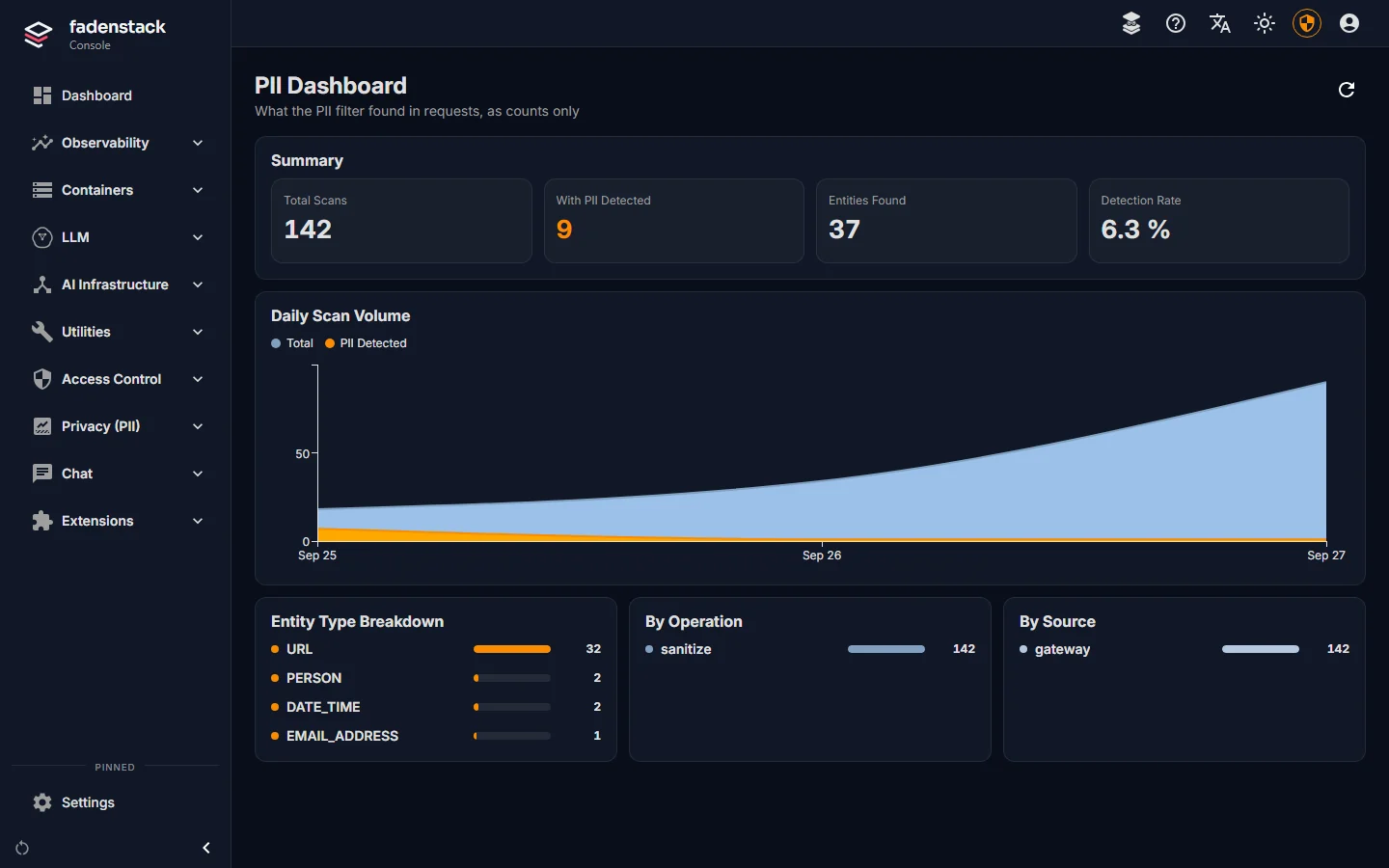
Encryption
faden deploy switches on HTTPS, with the install's own certificate authority or your certificate. TLS 1.2 and 1.3 only.
Only the web front end listens on the network. The databases listen on the server itself.
The server and your GPU machines prove themselves to each other with certificates. Ray's traffic inside a cluster can be encrypted too, with one switch per cluster.
Commands to machines are signed, and they travel over a connection the machine opens to the server.
Chats and their titles, MCP credentials, the Hugging Face token, secret settings and the keys of the machines' certificate authority are stored encrypted.
The server is open source under Apache-2.0. Your security team can read every line of it.
Access and audit
Admin, operator, user and viewer are built in, and you can build your own from fine-grained permissions. In this release only superusers open the console; the roles apply to the API.
Every request leaves a record, including the version of the skill that shaped it.
When a rule refuses something, the decision log records the decision without keeping the refused text.
Tool modes and rules decide which tools may run; in the Ask mode, a tool that changes something waits for a person's approval.
Per user in the dashboard, with a record of each request.
An installation has one set of users, models and machines. Separate organizations run separate installations.
Single sign-on is planned for the Enterprise edition. See the editions.
The agents
For usage and audit, the server records which tools ran and how long they took. For an agent with a tool list, a tool that arrives with an app update waits for an admin.
Report a vulnerability
Please tell us privately first, through our contact form with the subject “Fadenstack security”. Describe what you found and how to reproduce it. We confirm that we received it and keep you informed while we fix it.
Open a public issue for a vulnerability, test against installations you do not own, or access data that isn't yours.
Install it on your own server, or read the code first.